Auto Reply
Last updated: March 2, 2026
Auto Reply Chatbot (for Whatsapp Web Only)
Set up automatic keyword-based replies without building complex flows.
Browsing Templates
- Go to Automation from the sidebar
- Click Auto Reply
- Setup a configuration
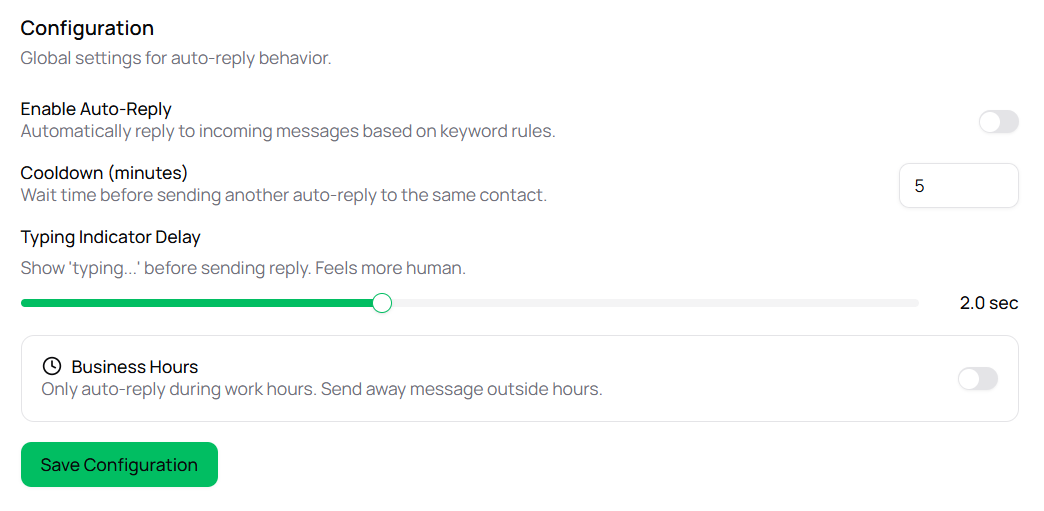
Enable Auto Reply : Turn on if want to automatically reply to incoming messages based on keyword rules Cooldown (minutes) : Waiting time before sending another auto-reply to the same contact Typing Indication Delay : Show 'typing...' before sending reply. Feels more human Business Hours : Turn on if want to auto-reply during work hours only. Send away message outside hours.
Add Rule
Setup your rules to start auto reply message when any related keyword triggered.