
AI Agents
Drop in your price list, FAQ and website. Get an agent that answers, takes orders, books appointments, and knows when to call a human.
Choosing a model
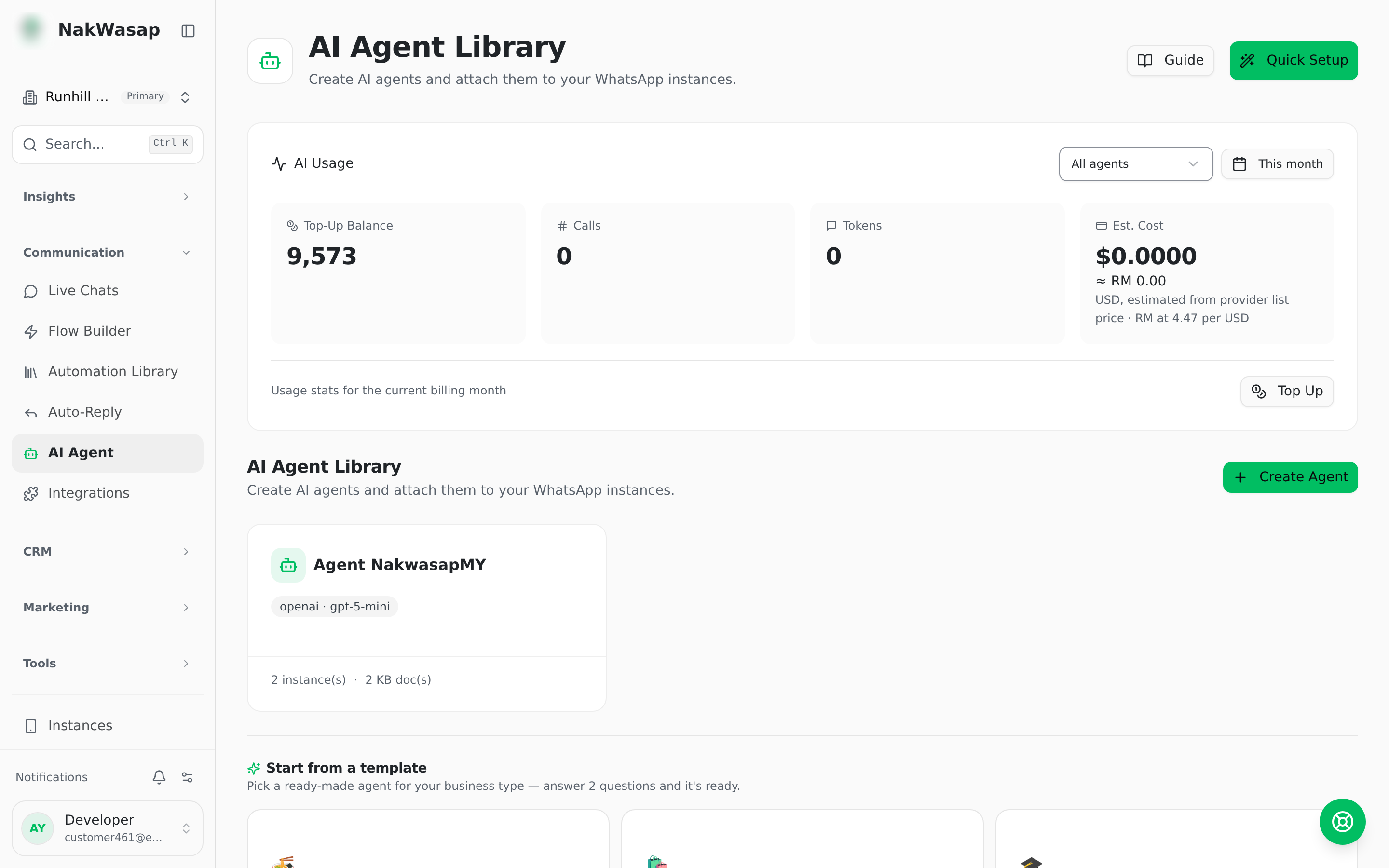
AI Token per reply = (input + output tokens) × model weight, so cheaper models consume fewer AI Token per reply. Start with a mid-tier model and move up only if answers disappoint.
Bring your own key (Settings → AI) for OpenAI, DeepSeek or Anthropic and AI Token stops being consumed entirely. One switch enables all three providers.
Teaching it your business
Documents are chunked and indexed automatically. Open one to inspect its chunks. A document can belong to a single agent or the whole team, and can be switched off without deleting it.
What the agent can do
Built in: hand over to a human · search the knowledge base · look up a Google Sheet · tag the contact · create a payment link · raise an invoice · record an order · check payment status · list services · check availability · book, reschedule and cancel appointments · browse products · product details · shipping info · store info · check order status
Each group has its own on/off switch. Payments carry a maximum amount guard.
- —Media tool — a named action that sends a specific file, like "send the price list"
- —Webhook tool — a URL, method, headers and body template, with declared parameters, so the agent calls your API mid-conversation
Tuning behaviour
Batching waits a moment so five rapid messages become one reply instead of five.
Handing over to a human
- —The agent calls the handover tool itself
- —A human replies, and the bot steps back automatically (default 5 minutes)
- —You describe in plain words when it should escalate
- —An
ai_controlnode in a flow can also pause it
Follow-ups and quality
- —Follow-up — nudge if the customer goes quiet, inside a send window you choose, stopping the moment they reply
- —Quality checker — a second pass reviews replies before they go out, with a score
- —Auto-tagging — tags the contact based on what was discussed
Managing agents
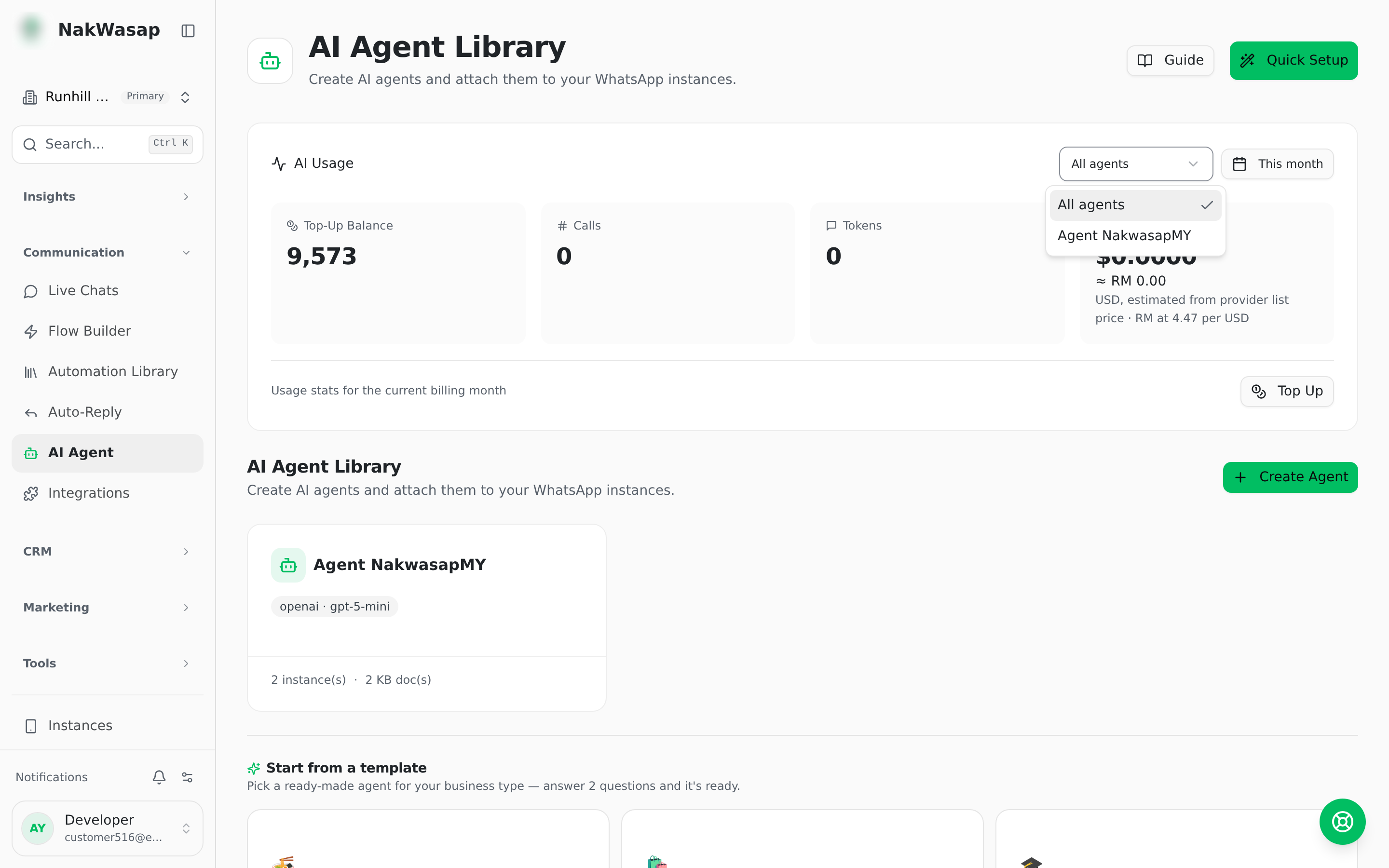
Build an agent once and attach it to several numbers; different numbers can run different agents. Per-number you set reply mode and business hours.
- —Prompt builder has five sections — identity, capabilities, tone, escalation, forbidden — or write it raw. A generator drafts the first version for you
- —Test chat lets you talk to the agent in the dashboard before it goes live
- —Export, import, backup, archive and restore agent configurations as JSON
Usage and cost
Every call is logged with input, output and cached tokens plus an estimated cost, attributed per conversation, agent, provider and model. Test chats, follow-ups and quality checks are reported separately from live conversations.
NextCampaigns→