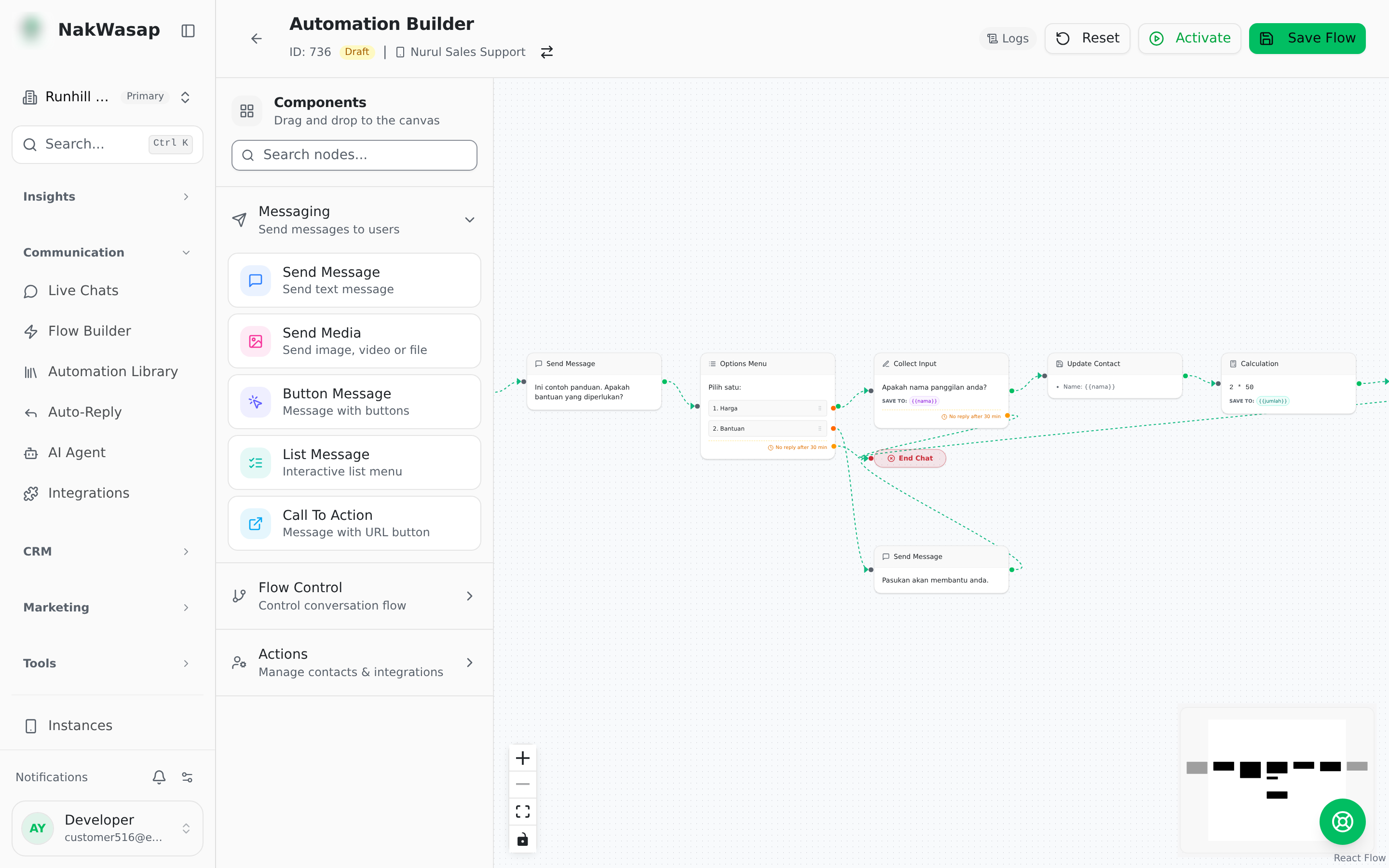
A visual canvas where a conversation becomes a flowchart. Up to 150 nodes and 300 edges per flow.
WhereAutomation
Triggers
TriggerFires when
Exact matchMessage equals your keyword
ContainsKeyword appears in the message
First messageTheir very first message to you
FallbackNothing else matched
Tag appliedA tag lands on the contact
Owner keywordYou type a keyword, and the flow fires at the customer
WooCommerce / Shopify / StoreAn order event
AppointmentA booking event
OnPayA payment event
TelegramA Telegram message
Per trigger: up to 50 keywords and 50 exclusions, match any or all, filter by chat type, new vs returning contact, stage, tag or assigned agent, a cooldown so nobody is hit twice, and active hours with a timezone.
The 30 node types
Messaging
NodeWhat it does
messageText, up to 4096 characters
mediaImage, video, audio or document with a caption
optionsNumbered menu, 1–10 choices, waits for a reply
ai_follow_upNudge if they go quiet, up to 30 days later
unsubscribeOpt out of this flow, all flows, or a specific one
add_to_groupAdd to a group, invite, or create one
External
NodeWhat it does
webhookCall your HTTPS endpoint, store the response
google_sheetsAppend a row, up to 50 columns
google_contactsSync the contact across
woocommerce8 actions incl. create order, update status
shopify5 actions for orders, customers, products
storeStore links, order status, catalog, update status
appointmentCheck availability, book, check status
telegram_messageSend on your Telegram channel
Waiting and branching
Nodes that wait (options, buttons, list, collect) can carry a timeout branch for people who go quiet — anywhere from 1 minute to 30 days. When a reply doesn’t match, you can send a custom message, or hand the conversation to your AI agent instead. Side-effect nodes can run in parallel; only one parallel branch may send messages or wait.
Sessions and opt-outs
Each running conversation keeps its position and its variables. List them, stop one, or reset them. Opt-outs exclude a contact from this automation or from all of them — add by searching your contacts or by typing a raw number.
Sharing flows
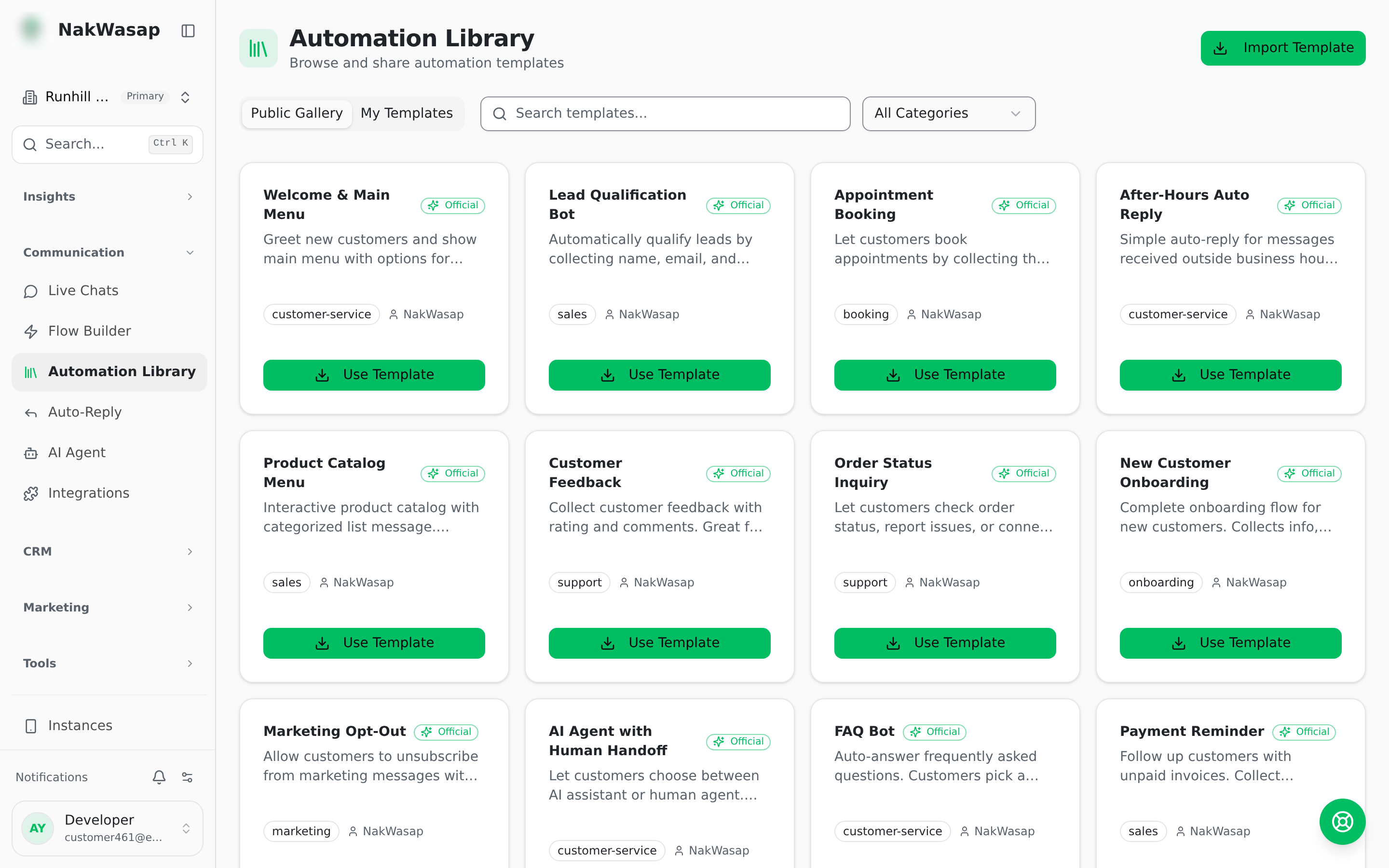
Share a flow as a code and import it into another account. Account-specific IDs are stripped automatically — spreadsheet IDs, store IDs, agent IDs, tag IDs and more — so sharing is safe. Import accepts a pasted code, a full URL, or an entire WhatsApp message; the code is extracted from the noise.
Starter generator: give it your business name and it builds a working welcome → menu → lead capture → human handover flow.