
Getting started
What the dashboard shows
The home screen is your operations view. It answers one question: what needs me right now?
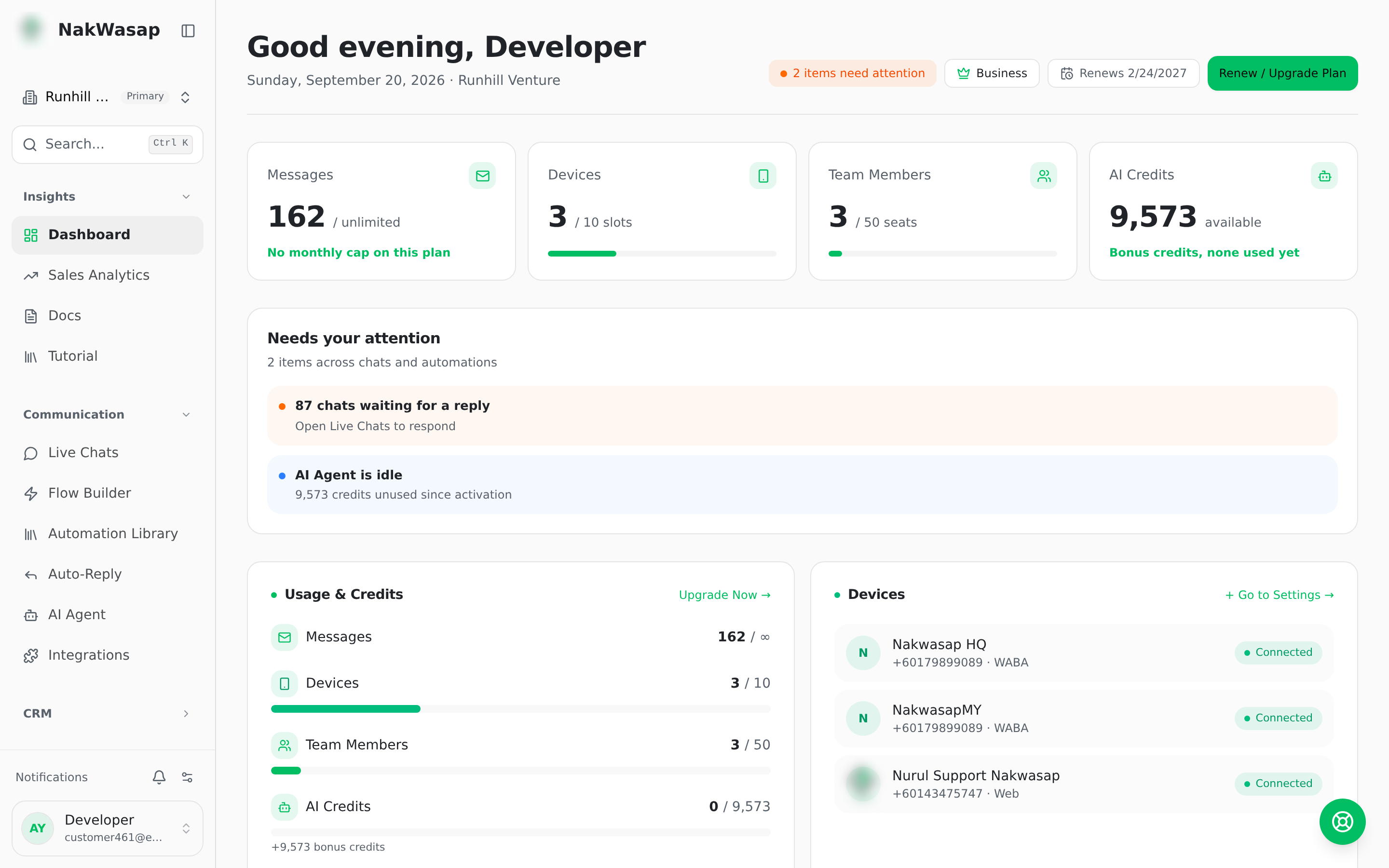
Needs attention panel
Generated alerts, each linking to the fix:
- —Message queues that paused
- —Devices that went offline
- —Chats waiting too long for a reply
- —Failed queue items
- —Official numbers missing a webhook
- —AI sitting idle while you still have AI Token
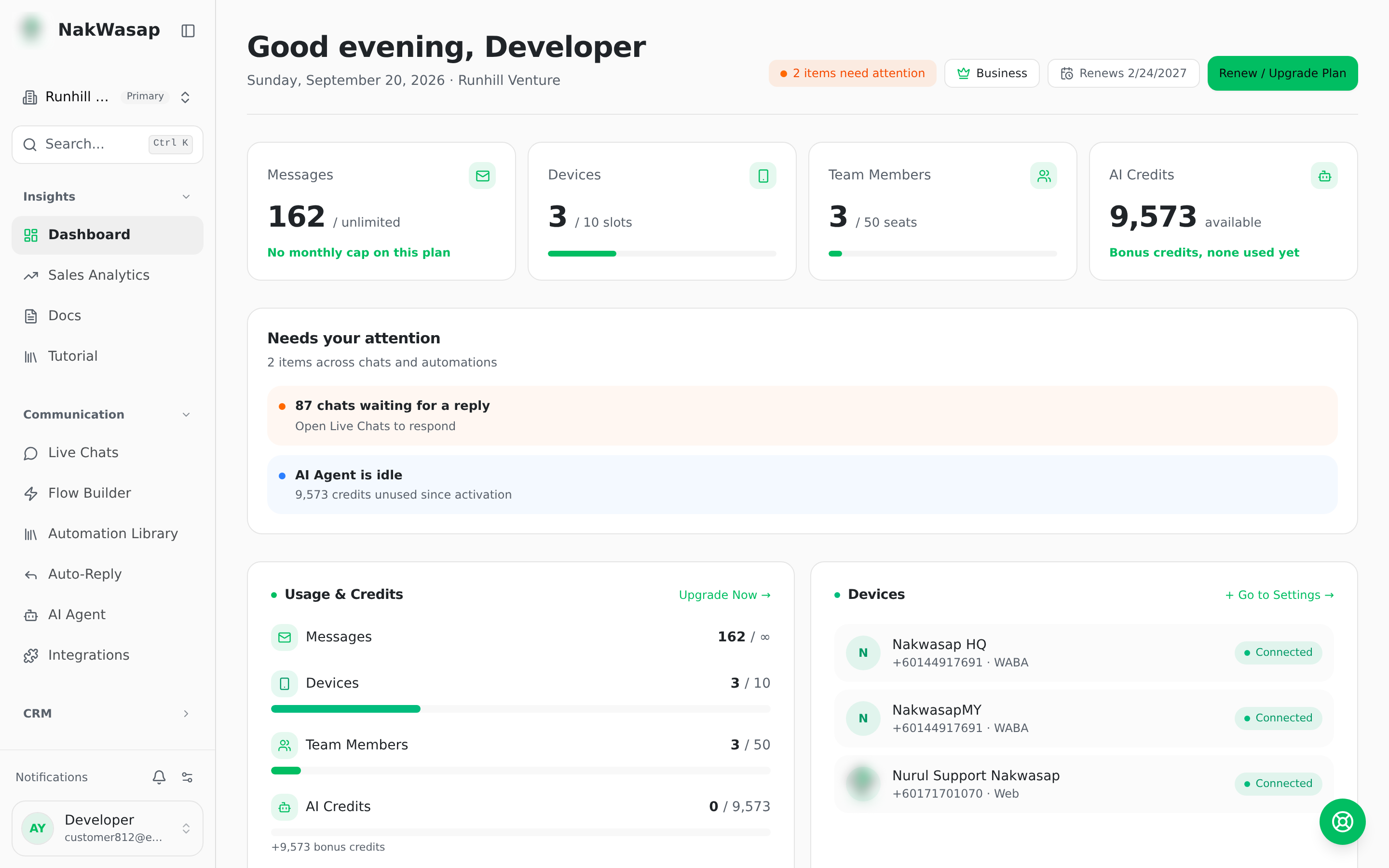
Usage & AI Token
Live meters for messages used this month, devices connected, team seats filled, AI Token, and media storage.
Message queue
Pending, failed and sent counts, with buttons to retry failed, unpause, clear pending or clear failed.
Your numbers
Every connected device with its status.
Metrics
Total chats, messages in and out, contacts, leads, AI responses, and average response time. Below those: messages over time, message types, lead status breakdown, your sales funnel by pipeline stage, campaign performance, and a per-agent table.
Revenue is not on this page. Store revenue lives in Store → Analytics, and invoice revenue in Sales.
First five minutes
- —Connect a WhatsApp number
- —Send yourself a test message from the inbox
- —Set up one auto-reply so nothing goes unanswered
- —Import your contacts
- —Invite your team