
Online Store
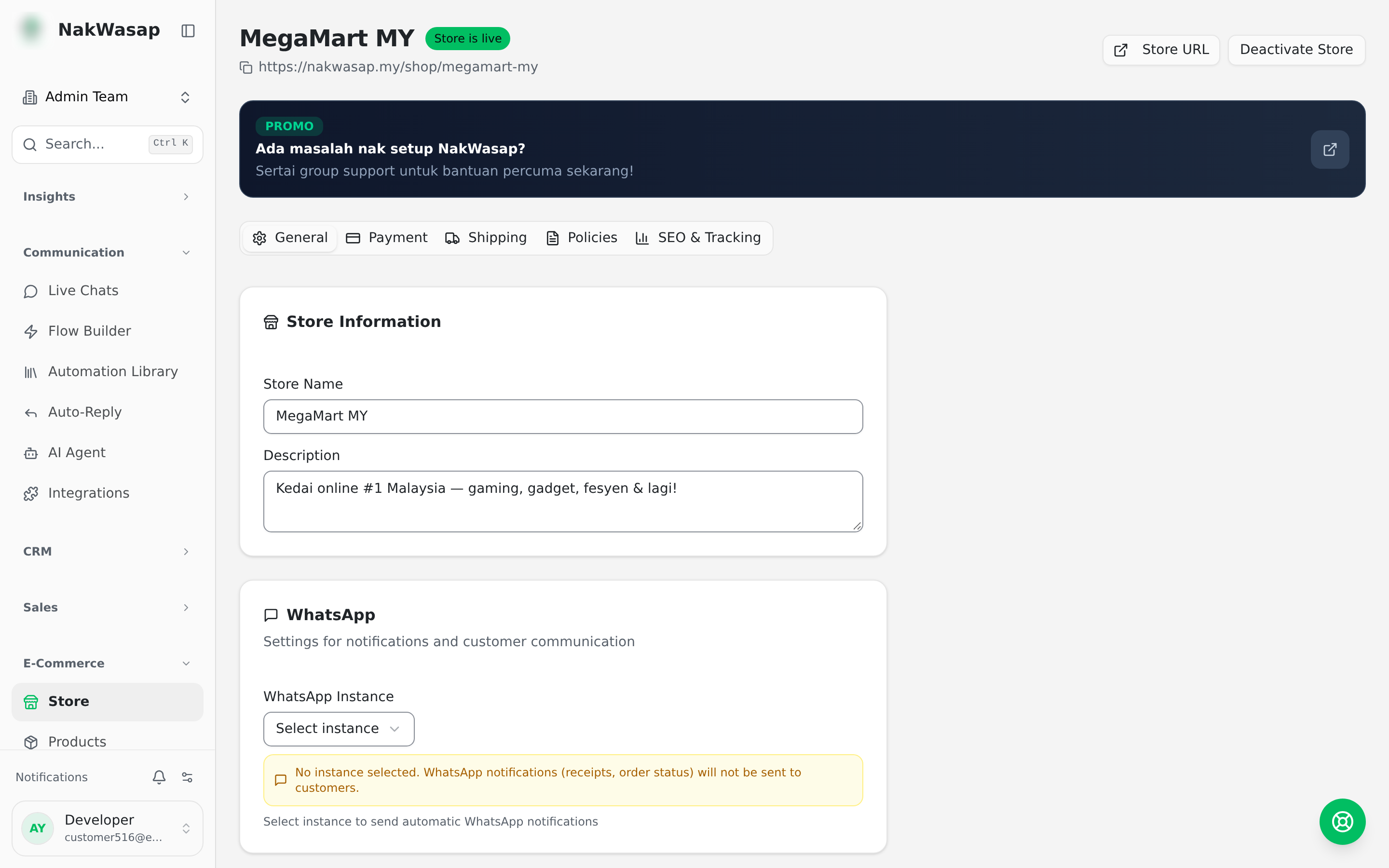
One store per team, published at /shop/your-slug. It starts unpublished — switch it on when you are ready.
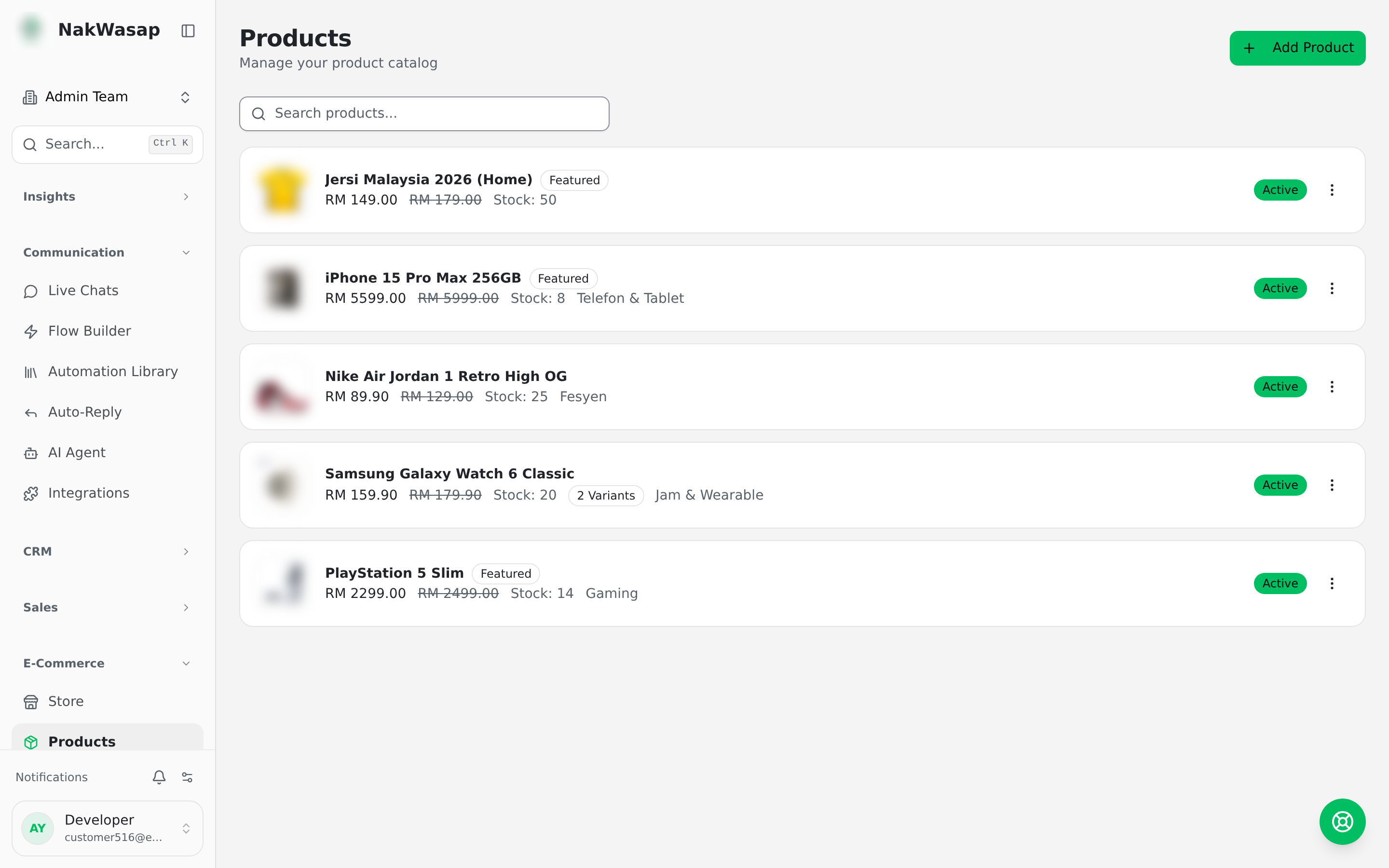
Products
Physical or digital · price and compare-at price · SKU · stock with tracking · weight · multiple images · featured flag · meta title and description · draft, active or archived.
- —Variants: choose your option types and every combination is generated, each with its own price, stock, SKU, weight and image
- —Categories: nested, with images and sort order
Selling
Getting paid
- —Gateways: Bayarcash · ToyyibPay · Billplz · CHIP — each with a sandbox mode
- —Bank transfer: show your accounts, the customer uploads proof with the payment date
- —Cash on delivery: the order forwards to your Telegram
Gateway credentials live under Settings → Integrations.
Orders
Statuses: pending payment → paid → processing → shipped → delivered → completed, plus cancelled.
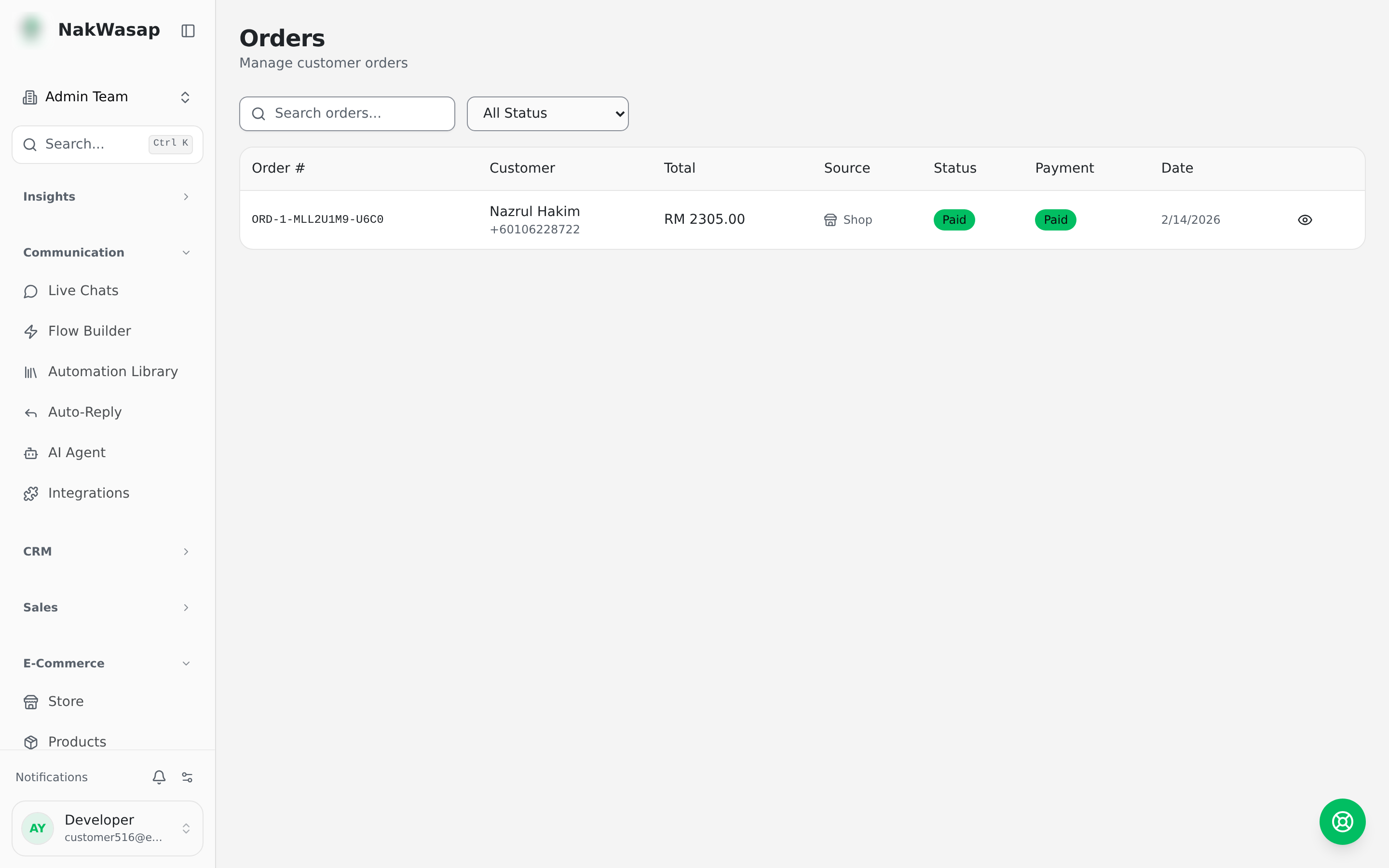
Mark an order shipped with a tracking number and URL, complete it, cancel it, or resend its notification.
Your customer gets a self-service page where they can check status, upload payment proof, retry a failed payment, download a receipt PDF, and leave a review — without messaging you.
Notifications
Seven events, each editable for WhatsApp and email: order confirmed · payment pending · payment received · payment failed · shipped · delivered · cancelled. Templates support merge variables for order number, customer name, total, item list, bank accounts, order link and shipping address. Paid orders can attach a generated receipt PDF.
Reviews
1–5 stars with photos and a verified-purchase badge. Reviews wait in a moderation queue, and you can reply publicly.
Store analytics
Total orders, revenue, average order value, paid orders and revenue, revenue and orders by day, top 10 products by units sold, order status breakdown, and the cart-to-order conversion rate.
Store automation
Store events trigger flows: order created, paid, shipped, completed, cancelled.
NextSales Documents→