
Campaigns
Smart pacing, real segments, and delivery analytics that come from WhatsApp receipts — not guesses.
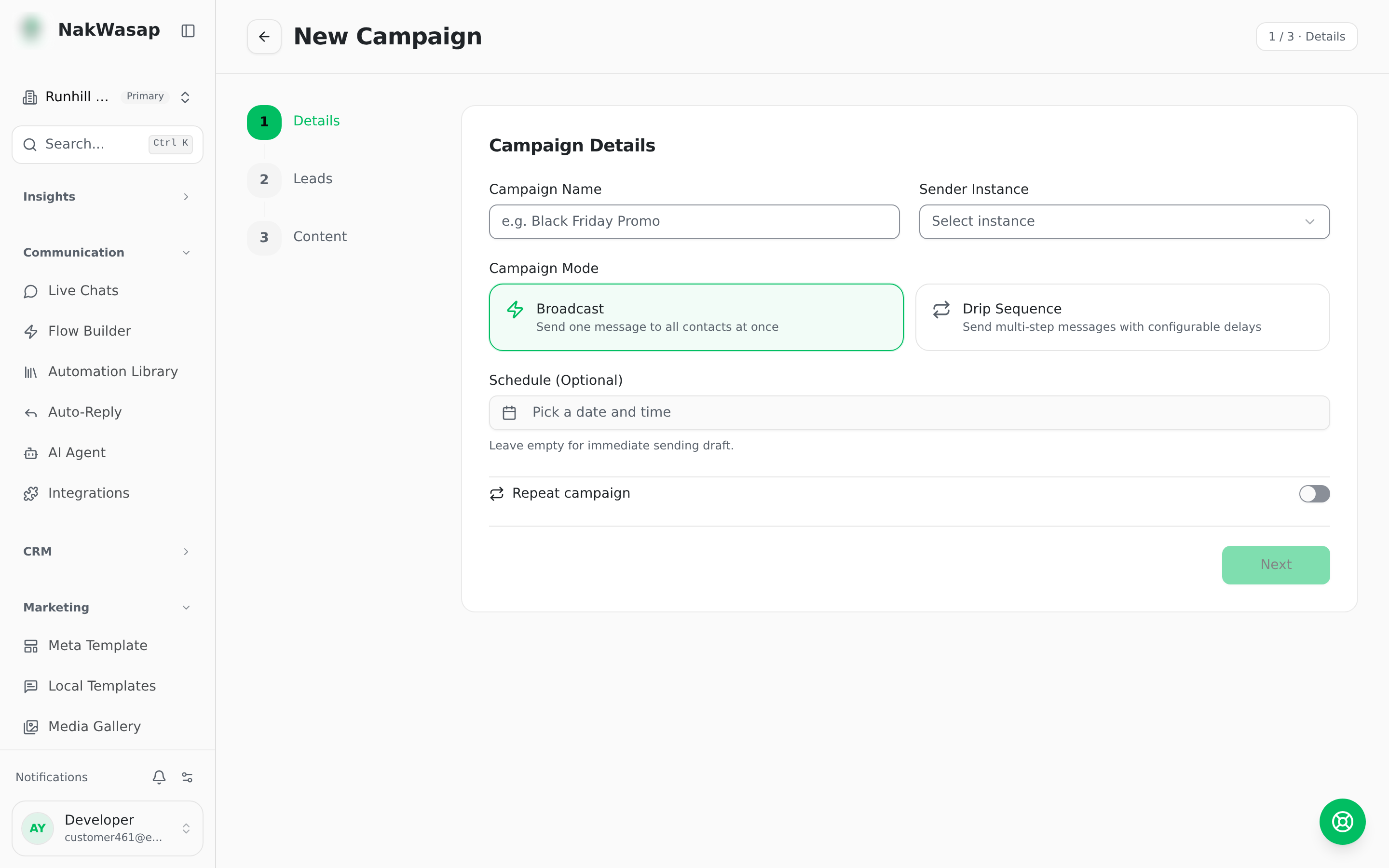
Step 1 — Audience
Segment conditions: lead status, tag, funnel stage, assigned agent, lead score tier, source, form, appointment, created date, last interaction. Official API numbers can also segment on whether the 24-hour window is still open.
Step 2 — Message and variables
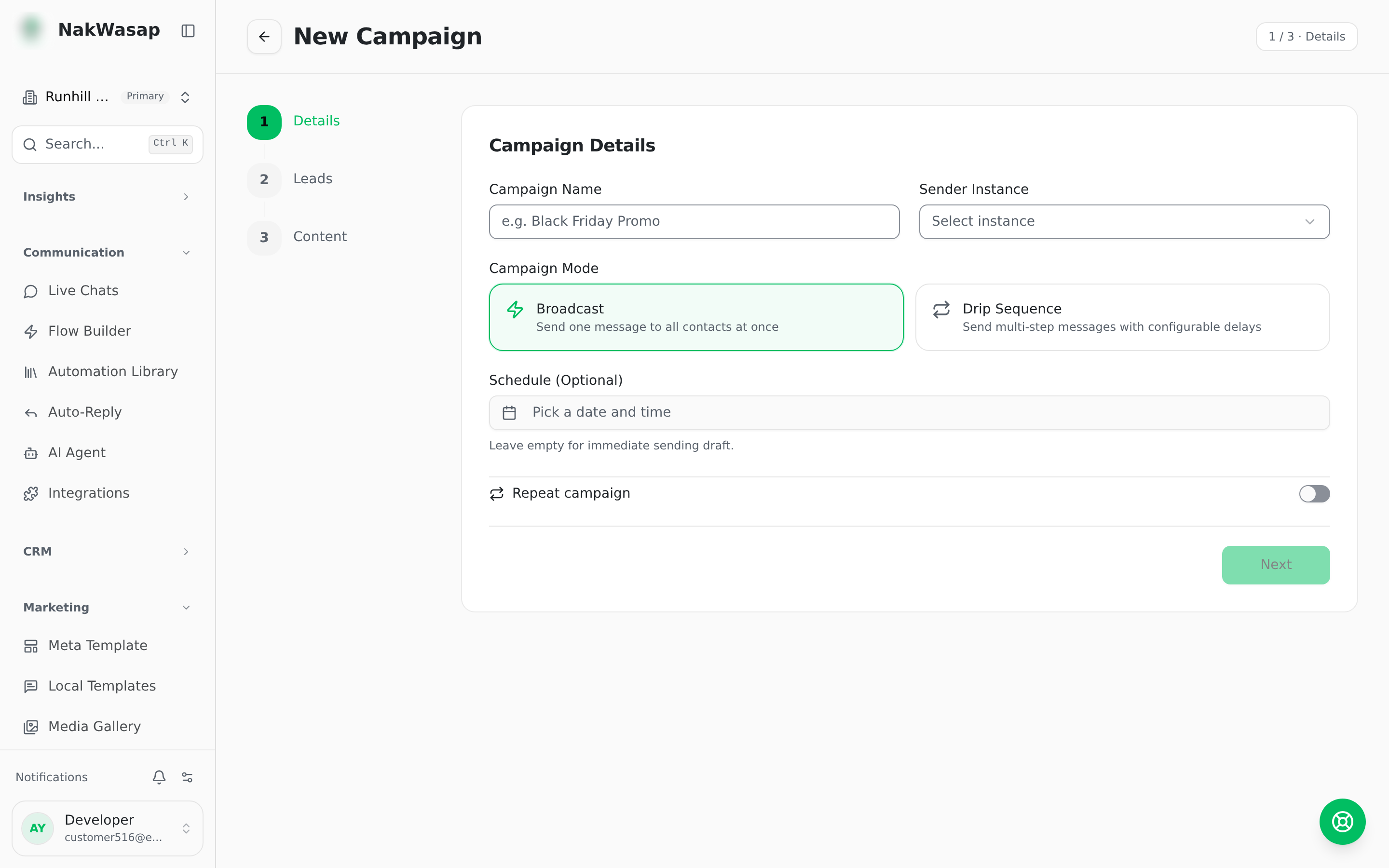
Columns are matched automatically when you choose a template. Before sending, the review step lists exactly which recipients would receive an empty value.
Step 3 — Pacing
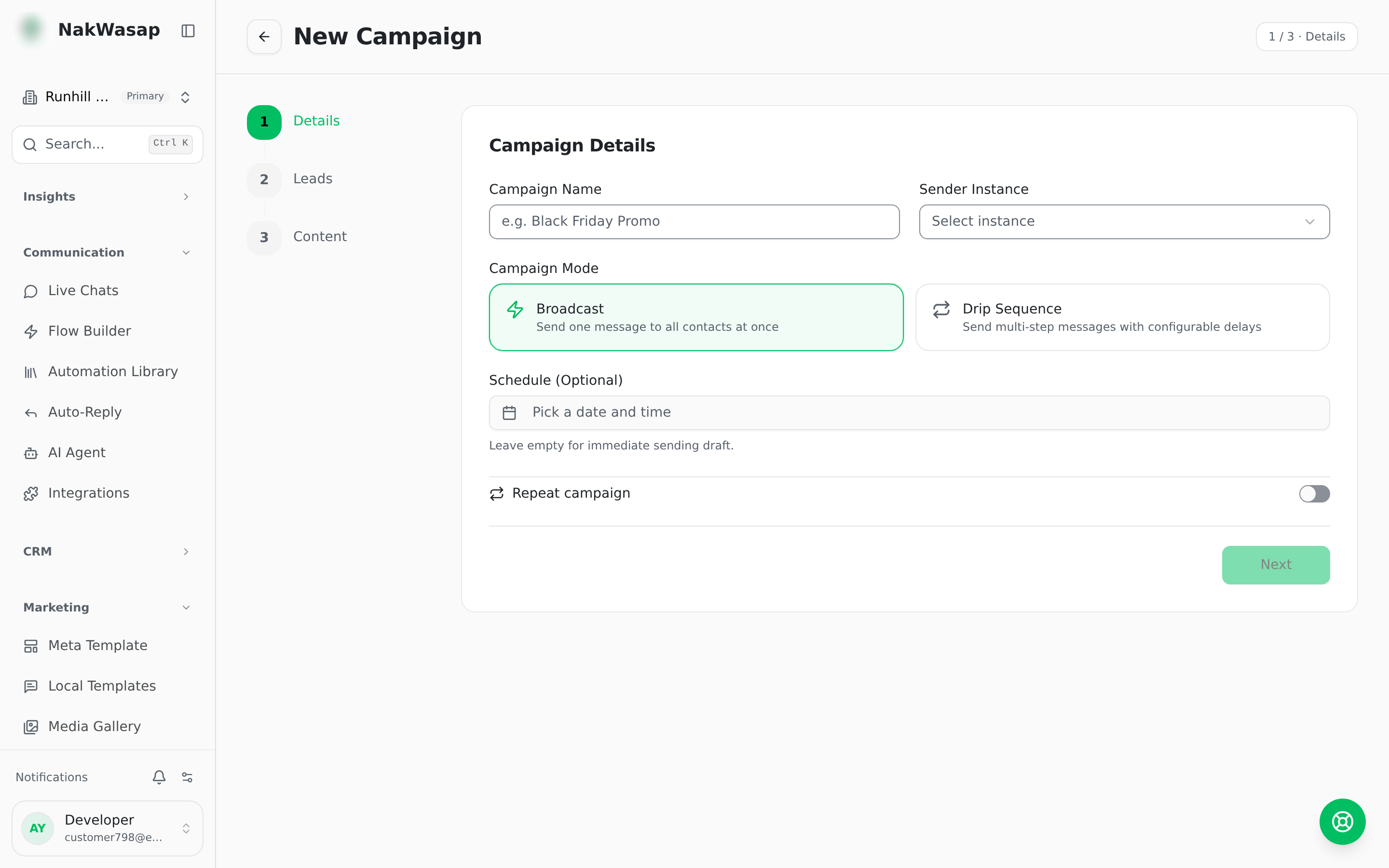
All modes apply ±30% random jitter so the rhythm isn’t machine-perfect. Spread shows the resulting messages per hour as you drag.
- —Guidance: personal messages 15–30s. Group blasts 45–90s
- —Daily cap: 0–5000 per day, where 0 means unlimited
- —Active hours: restrict sending to a window in your timezone, including windows that cross midnight
Campaign types
- —Broadcast — one message to one audience
- —Drip — multi-step sequences. Each step has its own template, its own delay, an optional fixed send time, and an optional follow-up
- —Recurring — re-run automatically on an interval of 1–730 days
- —Group mode — blast to WhatsApp groups, with per-group delivery tracking
- —Scheduled — pick a date and time
Results
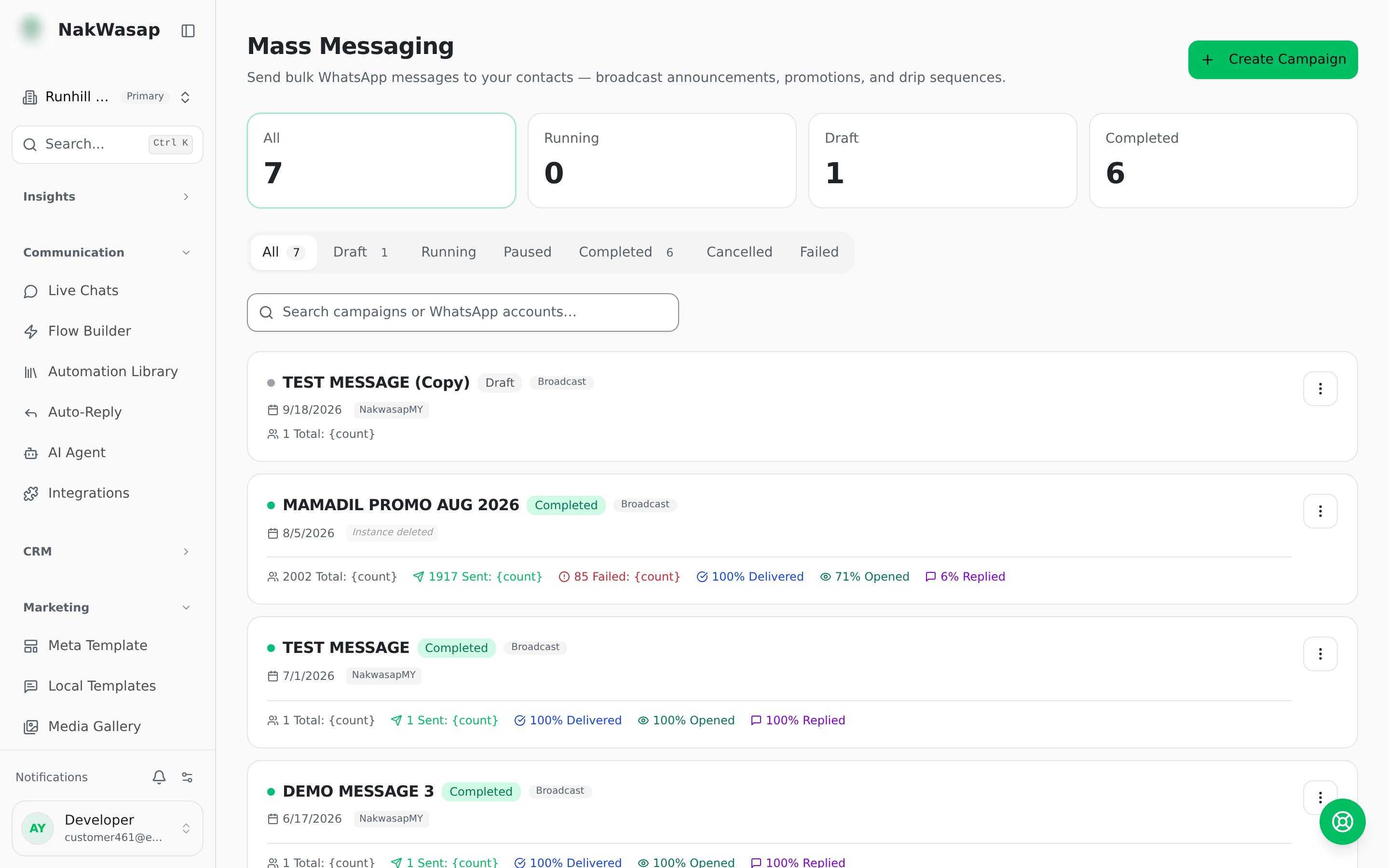
Sent · Delivered · Read · Replied, taken from real WhatsApp receipts, with delivery rate, open rate and reply rate. Drip campaigns also report per-step sent and failed.
Statuses: draft · active · processing · paused · completed · cancelled · failed
Campaigns pause themselves when a device disconnects or its queue trips the breaker, and tell you which. Resume is always manual — and blocked while the device is still offline. Other actions: duplicate, retry failed, cancel, delete.
Campaign calendar
A month grid of scheduled campaigns alongside your own marketing notes. Notes have a title, description and colour, and can be dragged to a different date.
NextDevice Warmer→