
Tracking & Attribution
Tie a WhatsApp conversation back to the ad that created it, then report the sale back to Meta automatically.
Ad sources
Register your marketing channels with a monthly spend. Types: Facebook Ads · Google Ads · TikTok Ads · Instagram Ads · referral · walk-in · website · other
Each gets a colour and a monthly cost, and the page totals your active spend. Sources attach to contacts, lead forms and automation-created leads, and feed the cost-per-lead and ROI figures on the leads analytics page.
Ad conversions
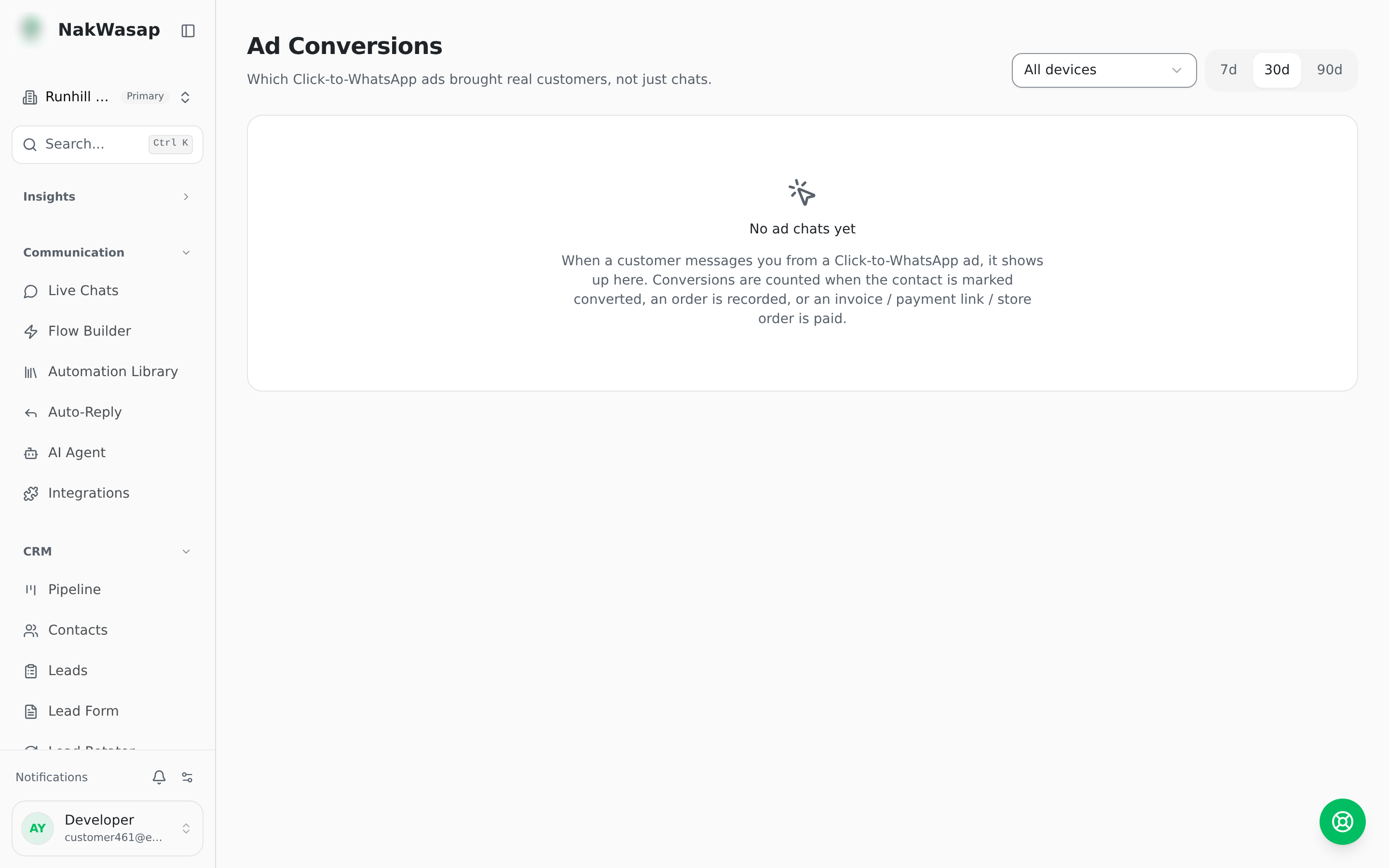
When someone taps a Click-to-WhatsApp ad, the conversation captures which ad sent them — including the creative’s title, body, thumbnail and source URL, so the report shows the actual ad, not just an ID.
What counts as a conversion: a lead status change, an AI-taken order, an invoice, a payment link, a store order, or a WooCommerce order. Money events report as a purchase; a qualified lead with no value reports as a lead.
Reporting back to Meta: conversions go to the Conversions API automatically, in batches, with value and currency. Failed sends retry on a backoff of 1 minute, 5 minutes, 30 minutes, 2 hours, then 24 hours.
The 7-day rule: Meta only credits a conversion within 7 days of the click. Events outside that window are held rather than sent and rejected. Each source record converts exactly once — Meta does not de-duplicate, so the platform does.
The report: clicks, customers, conversion rate, revenue, and how many events reached Meta with failed and pending counts. Then a per-ad table ranked by customers and clicks.
NextIntegrations→