
Contacts & CRM
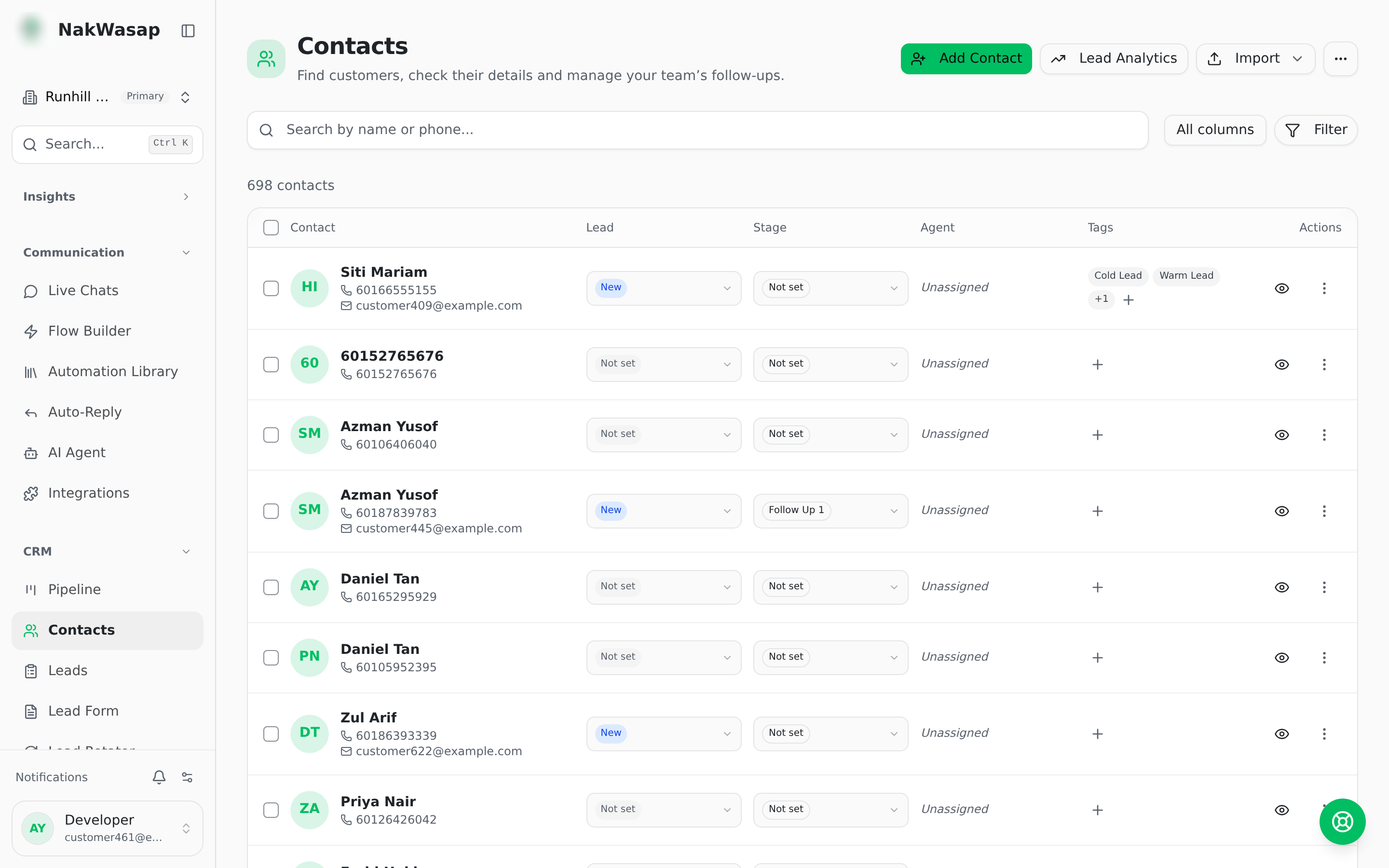
Every WhatsApp conversation becomes a contact record with tags, stages, custom fields and a lead score that updates itself.
The record
Name, phone, email, notes, lead status, deal value, assigned agent, funnel stage, pipeline, tags, number, source, ad source, originating form, submission count, lead score, and your own custom fields.
Lead statuses: new · contacted · qualified · converted · lost
Filtering
Search, tags (match any or all), agent including Unassigned, source, lead status, form, ad source, number, score tier, and pipeline. Sort by newest or by lead score. Save any combination as a view.
Lead scoring
Every contact scores 0–100, recalculated automatically.
Tiers: Hot 80+ · Warm 60+ · Cool 30+ · Cold below 30. No-shows and cancelled orders subtract points. Click any score to see the full breakdown.
Custom fields
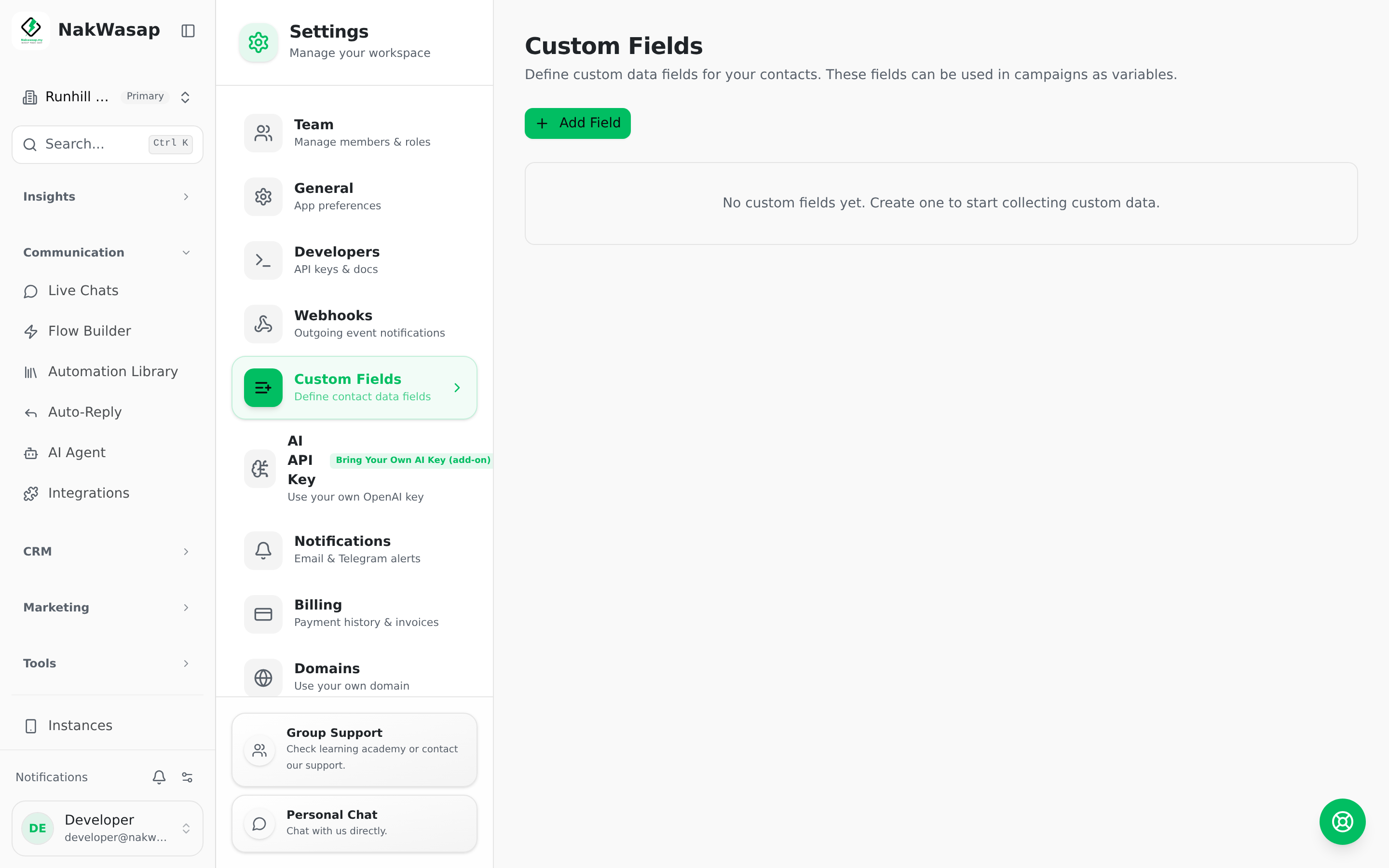
Five types: text · number · date · select · checkbox
The field key is generated from the label and locked once created. Set a sort-order number to control position. Deactivate a field to hide it without losing data.
Custom fields appear automatically in the contact form, CSV import mapping, CSV export, the import template, and the chat sidebar.
Importing
From CSV — multi-file. Columns are matched automatically (it recognises phone, mobile, whatsapp, tel, number and more, plus your custom field keys and labels). Set a default country code, assign a number, apply tags on import, and choose whether to overwrite the assigned agent. Download a template that already contains your custom-field columns. Every import is logged with created, skipped and invalid counts.
From chats — turn existing conversations into contact records in one action. This one respects your plan’s contact limit and tells you when it stops.
From Google Contacts — bulk import with search and select, or push a single contact across.
Exporting
Exports everything matching your current filters, not just the visible page — or only the rows you ticked. Includes custom fields and dynamic form fields as columns.
Bulk actions
Delete · Assign agent · Set stage · Add tag · Set lead status. Select all rows matching the current filter, not just the page.
Merging duplicates
Scans for duplicate phone numbers and groups them. Pick which record survives per group, then merge one group or all of them.
Tags
Create, rename, recolour across 8 colours, archive and restore. Archived tags stay out of the way without deleting the history.
NextPipeline→