
Settings
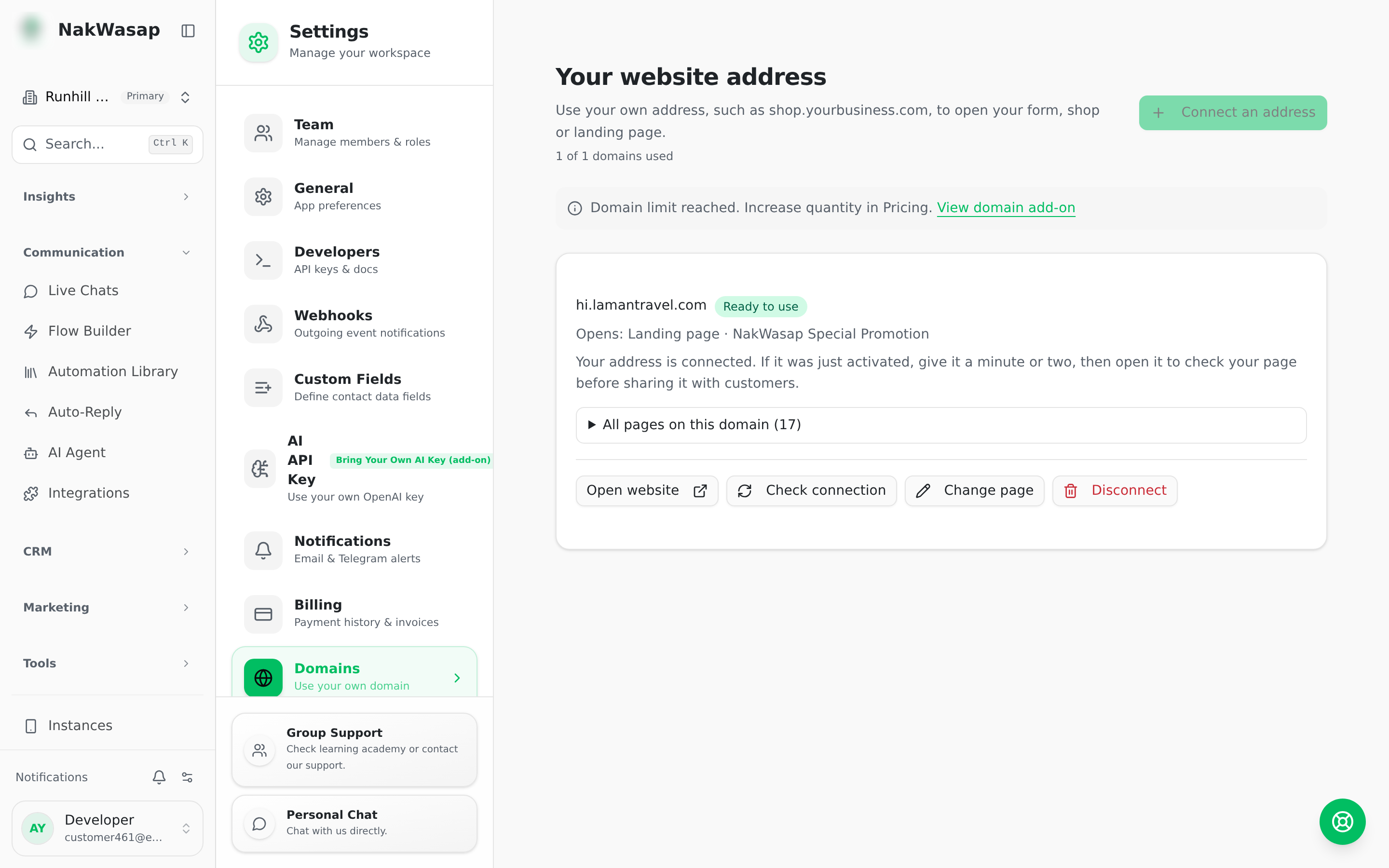
Custom Domains
Serve your lead form, store or landing page on your own domain, with SSL issued automatically.
Where
Settings → Domains
Setting one up
- —Settings → Domains → Add domain
- —Enter your domain
- —Add the CNAME and TXT records shown
- —Press Verify
The domain moves through: pending DNS → pending SSL → active. Each domain points at one target: a lead form, your store, or a landing page.
Requires the custom domain add-on. Your quota equals the quantity you purchased.
NextSettings→