
Developer Tools
A Bearer key for your own code, webhooks for everything that happens, and a 94-tool MCP server for AI clients.
API keys
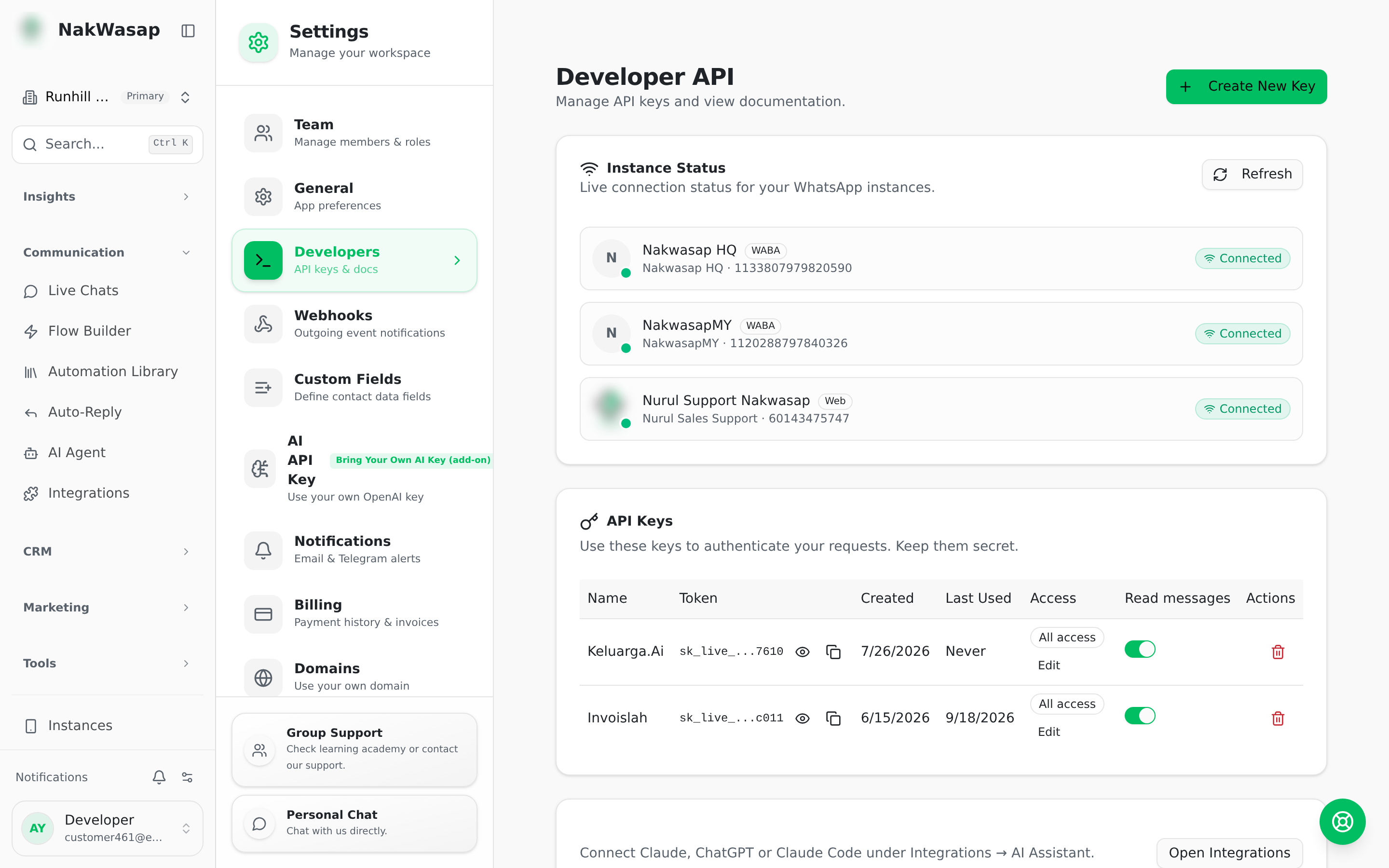
Generate a key, then authenticate with Authorization: Bearer sk_live_...
Create as many keys as you need, name them per application, and revoke one without breaking the rest. Each key has a message-read toggle.
Rate limit: 60 requests per minute, with X-RateLimit-Limit, -Remaining and -Reset on every response.
REST API — 11 endpoints
GET /api/v1/docs returns the whole reference as JSON.
curl -X POST https://nakwasap.my/api/v1/send \
  -H "Authorization: Bearer sk_live_xxxxxxxxxxxx" \
  -H "Content-Type: application/json" \
  -d '{"instanceName":"my-device","number":"60123456789","type":"text","text":"Hi"}'
A response of {"queued": true} means it entered the anti-ban queue and will send on schedule. Do not resend.
Webhooks
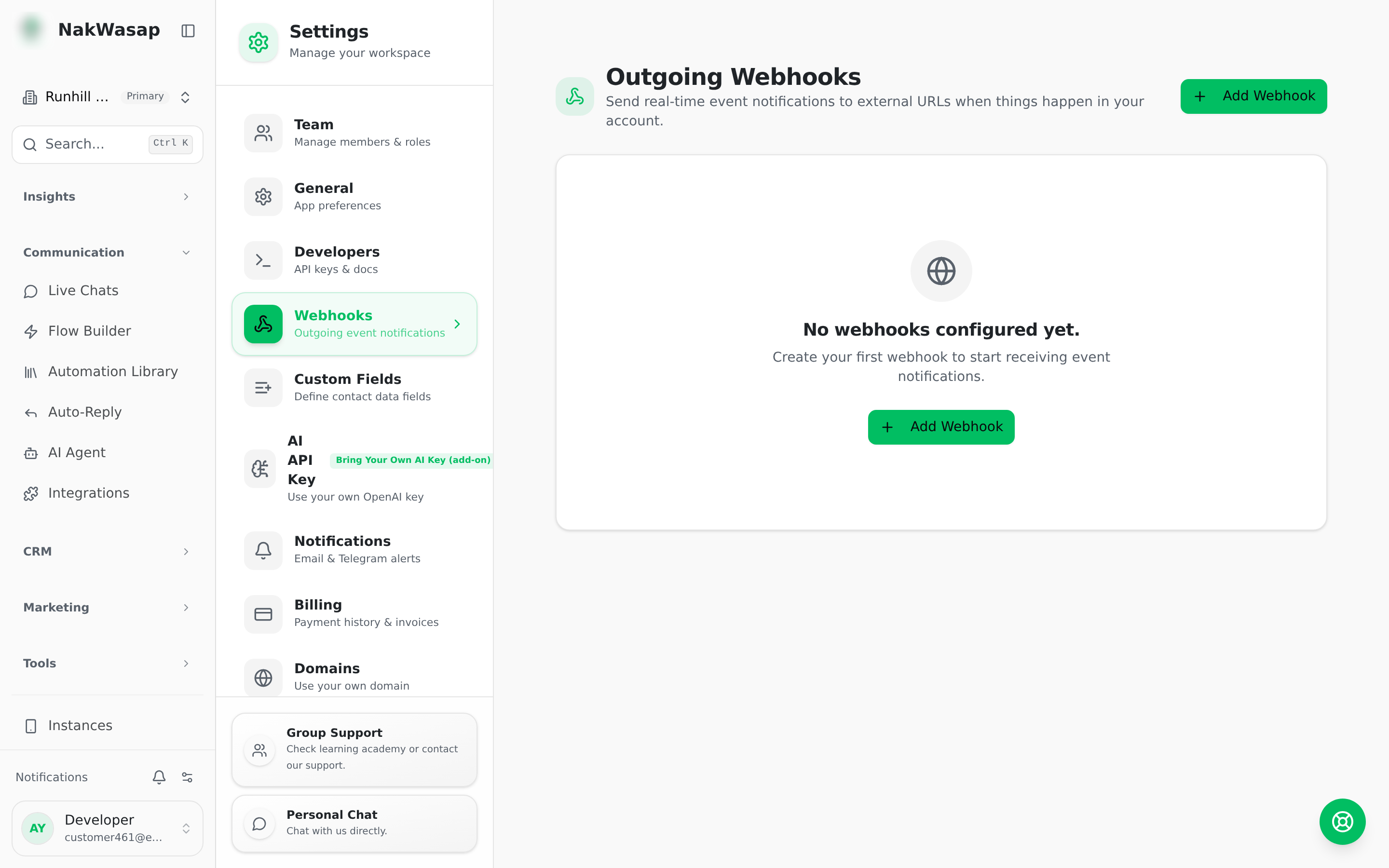
Six events: message.received · message.sent · message.status_update · contact.created · contact.updated · instance.status_changed
Each delivery is signed with HMAC-SHA256 in X-Webhook-Signature. Media messages arrive with a directly fetchable media_url. Every attempt is logged with status, response body and duration. A Test button lets you build your handler before real traffic arrives.
MCP server
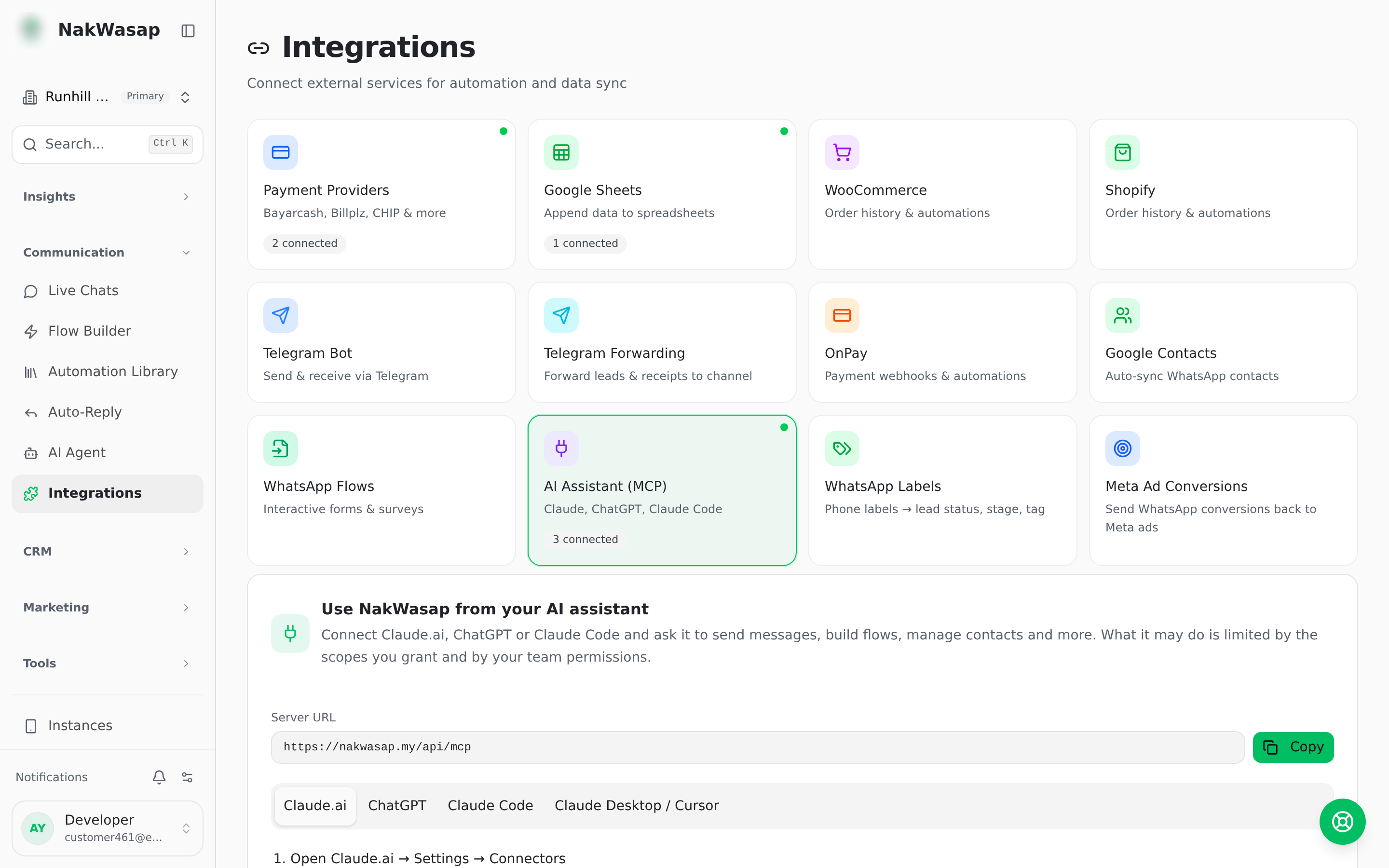
94 tools that let Claude, ChatGPT, Claude Code, Cursor or n8n operate your workspace directly.
claude mcp add --transport http nakwasap \
  https://nakwasap.my/api/mcp \
  --header "Authorization: Bearer sk_live_xxxxxxxxxxxx"
For claude.ai and ChatGPT, paste the server URL and approve the consent screen — no key to leak.
Eight scopes: read · messages · crm · campaigns · pages · automations · ai_agent · sales
Every tool also checks the matching team permission, and results are filtered to the numbers that connection may see. Message reading is its own switch. Revoke any connected app without touching your keys.
NextTeam & Permissions→