
Appointments
A public booking page at /book/your-team-id, with real availability rules, deposits and self-service reschedules.
Services
Duration, buffer time, capacity, price, minimum and maximum pax, an availability date window, and which weekdays it runs. Group services into categories with their own images.
- —Add-ons — optional extras with their own prices
- —Pax tiers — different pricing per tier with quantity ranges, for adult and child rates
- —Custom fields — text, number, select, checkbox or date, shown on the first step or in the main form
Availability
Auto-confirm is on by default.
Deposits
Charge a deposit at booking through the same gateways as the store. The appointment records subtotal, deposit charged, processing fee and total.
Reminders
Two automatic reminders per booking — 24 hours and 2 hours before. They cannot double-send, and only confirmed bookings get them.
Self-service
Customers cancel or request a reschedule from their own booking link, within the notice period you set (default 2 hours). Reschedules can require your approval, and land in a queue with an optional rejection reason.
Notifications
Eleven types, each editable for WhatsApp and email: confirmation · approved · 24-hour reminder · 2-hour reminder · cancelled · completed · no-show · reschedule requested · reschedule approved · reschedule rejected · rescheduled. Each can be bound to an official WABA template with variable mapping.
Managing bookings
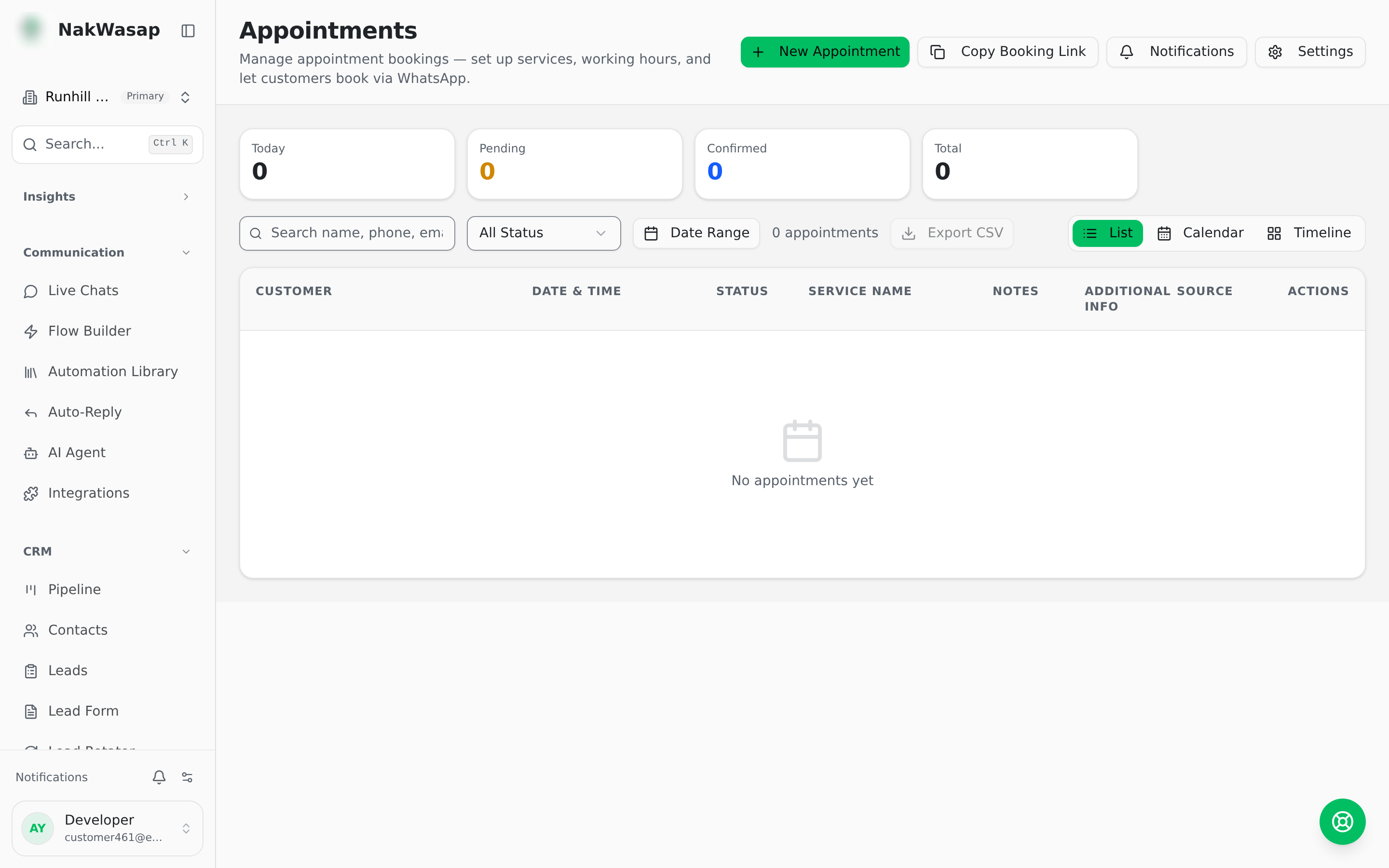
List, calendar and timeline views. Tiles for today, pending, confirmed, pending reschedules and total. CSV export including pax, subtotal, deposit and total. A per-booking activity log showing whether the system, the customer or a teammate made each change.
Statuses: pending · confirmed · completed · cancelled · no-show