
Landing Pages
Landing Pages
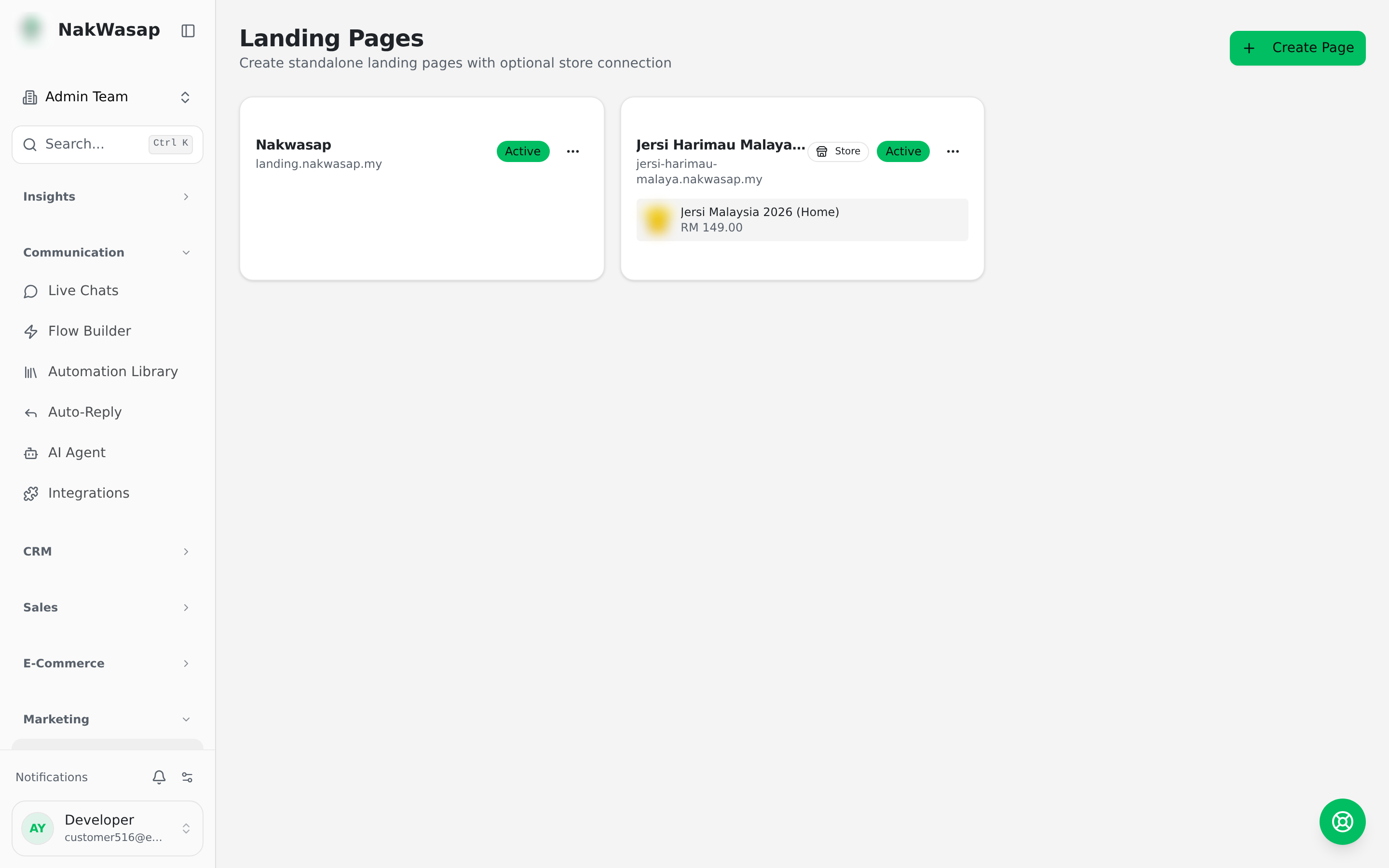
Block-based pages served at /p/your-slug, or on your own domain. Up to 60 blocks per page.
Where
Landing Pages
The 19 block types
Every block takes its own background colour. Six visual themes are available.
The schedule block
Built for trips, classes and events. Each row carries a label, badge, note, collapsible detail panel, price, seats total and taken, a sold-out flag with custom text, a row tint, and its own button. Leave the button URL empty and it becomes a WhatsApp link with a prefilled message.
Building with AI
- —Generate a whole page from a prompt
- —Edit by chatting — describe the change and it rewrites the blocks
AI editing cannot touch
custom_code blocks. Their contents are hidden from the model and restored afterwards, so your code is never altered or dropped. Edit those in their own editor.Publishing
Pages start as drafts. Preview the real page before going live using the preview link, then flip Draft to Active. You can duplicate any page, set a meta title and description, and serve it on a custom domain.
NextOnline Store→