
Sales Documents
Branded PDFs with a QR code, delivered over WhatsApp, with a payment link the customer can tap.
Quotations
Line items with per-line discounts, an order-level discount, tax, notes, terms and a valid-until date.
Statuses: draft · sent · accepted · rejected · converted · expired. One click converts an accepted quote into an invoice. Only drafts can be edited or deleted.
Invoices
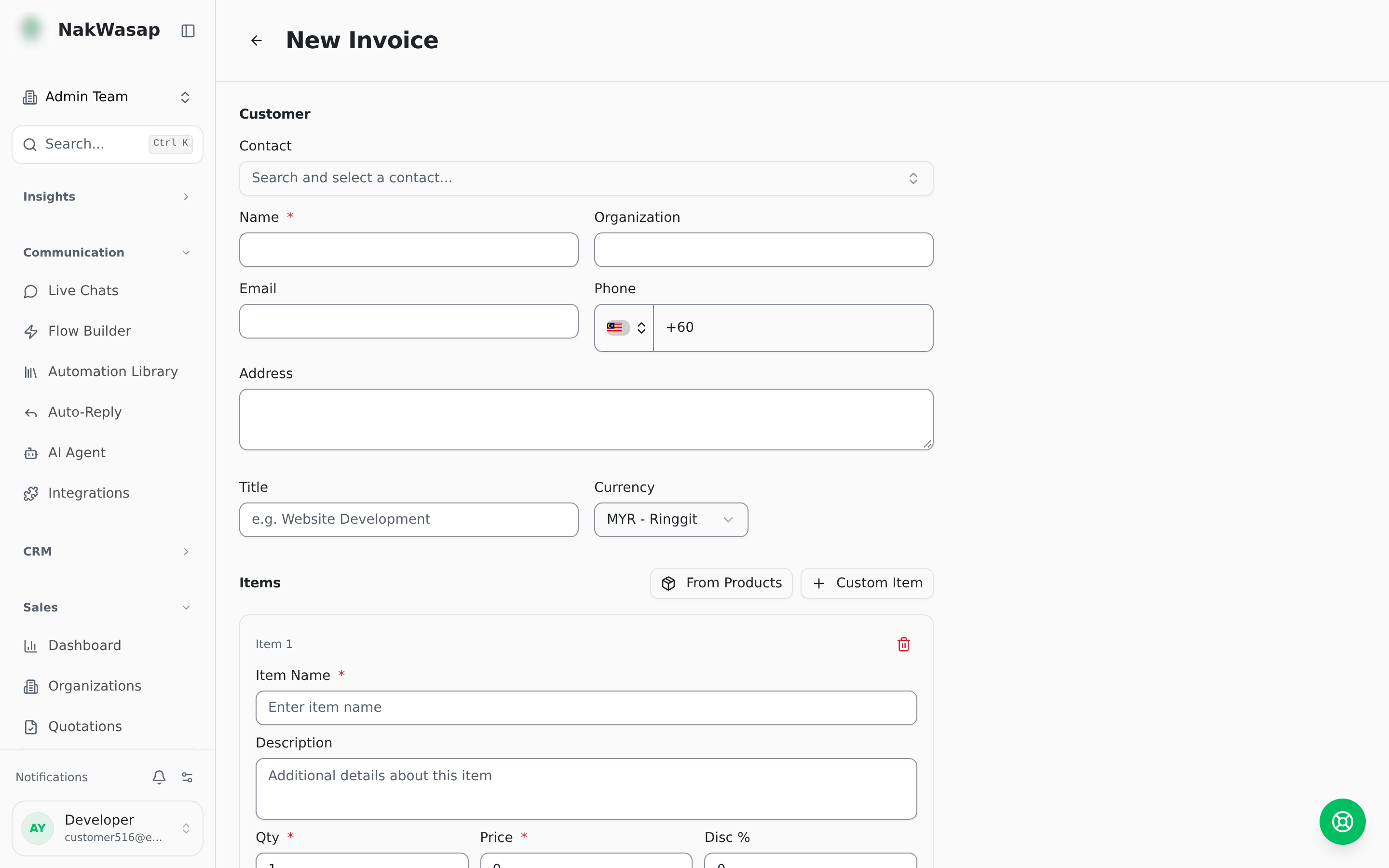
Statuses: draft · sent · paid · partially paid · overdue · cancelled · void
Tracks amount paid, due date, and links back to the source quotation, store order, contact and chat. Every invoice gets a public link. Your customer opens it, taps pay, and lands on a payment page.
Receipts
One or more per invoice, recording amount paid, method, transaction ID, date, notes and an attachment.
PDFs and delivery
All three document types generate a branded PDF with your logo, brand colour and a QR code. Send it over WhatsApp as a document, or by email.
Numbering and tax
Documents number as PREFIX-YYYY-0001, with your own prefixes per type and an atomic counter, so numbers never collide. Tax is configurable: label (default SST), rate, and inclusive or exclusive.
Organizations
Company records with registration number, tax ID, address, email, phone and website, linked to multiple contacts with job titles and a primary contact.
Automatic invoicing
Turn on auto-invoice from orders and every paid store order silently creates its invoice and receipt. It never duplicates.
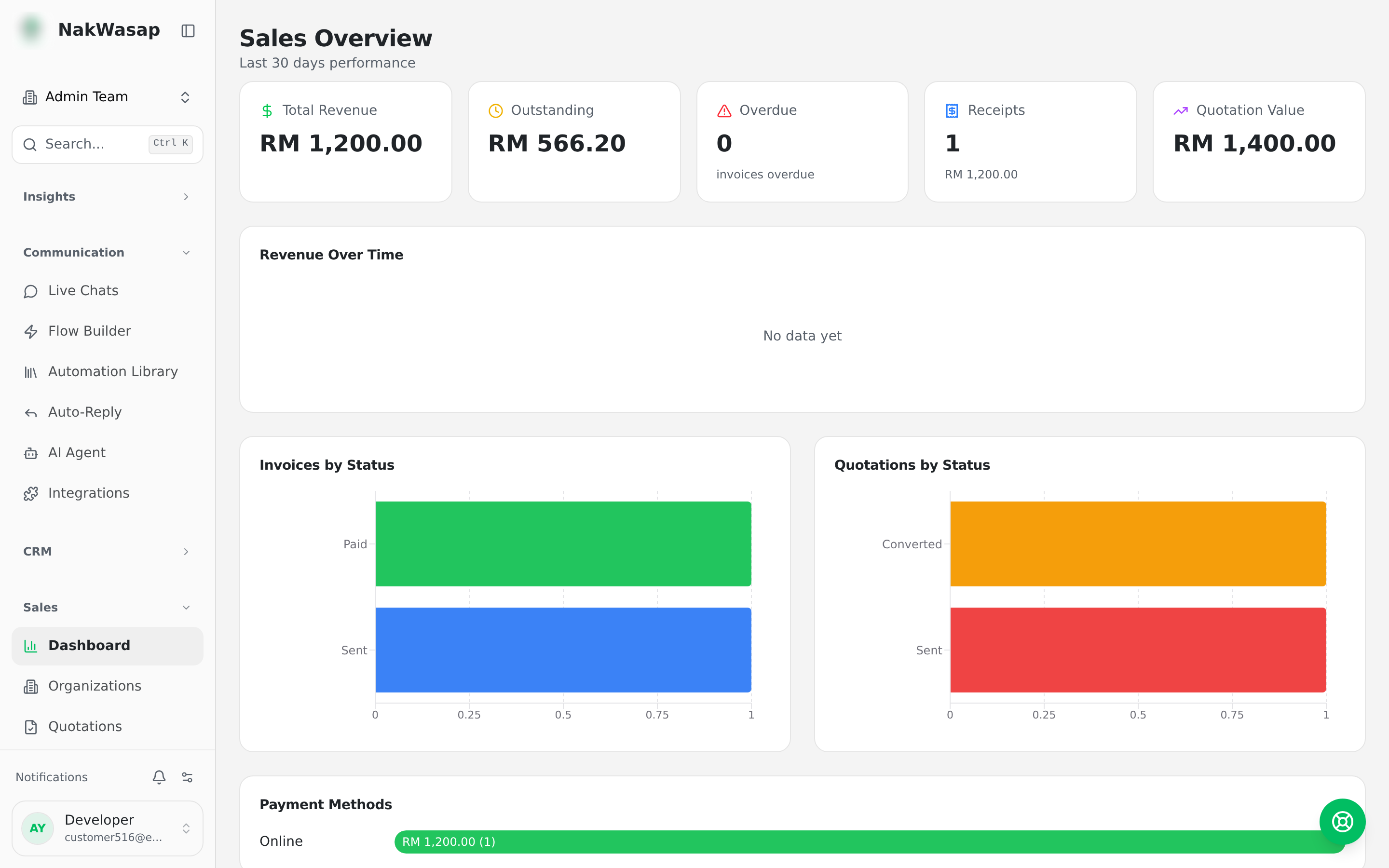
Sales dashboard
Total revenue, outstanding, overdue count, receipts received, quotation value. Charts for revenue over time, invoices by status, quotations by status, and a payment-method breakdown.